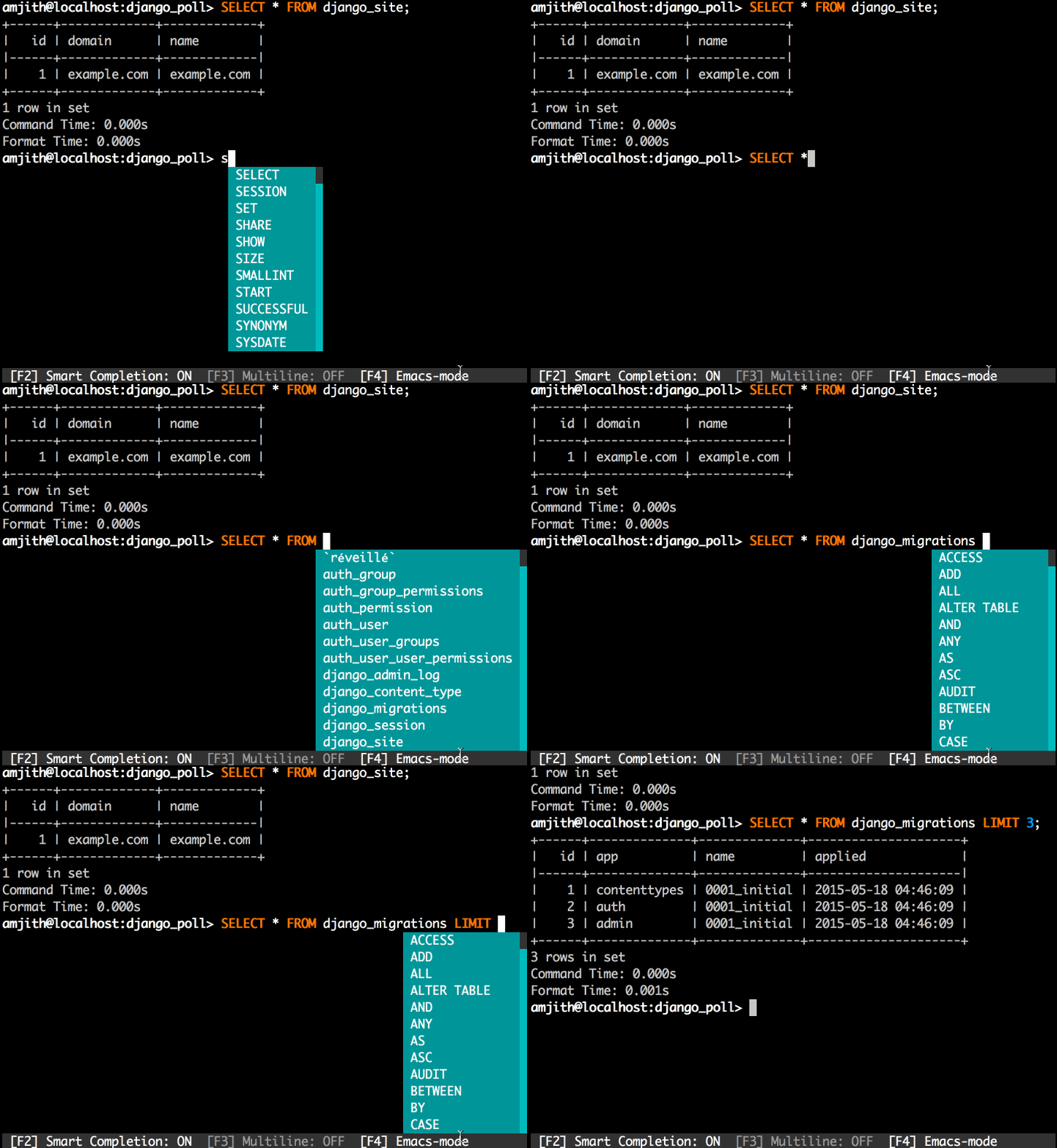
mycli:自動完成、高亮度語法 的 MariaDB/MySQL的客戶端工具
平常都是使用phpMyAdmin管理資料庫,但有些情況下必需使用終端連線至資料庫來查看內容,為了加快操作速度(其實是語法不熟)的情況下,剛好找到使用Python撰寫的工具mycli,它具有自動完成填入建議的內容,不光只是語法,連資料表名稱、資料庫名稱都能幫助你,用完後一定會愛上它的。
檢查/安裝Python套件管理工具
首先確定你是否有安裝Python專屬的pip套件管理工具,如果沒有的話立即安裝:
sudo pacman -S extra/python-pip
或Debian系列
sudo apt install python-pip
或RedHat系列
sudo yum install python-pip
安裝mycli
使用剛剛安裝好的套件管理工具:
sudo pip install mycli
使用方法
簡易的使用方法:
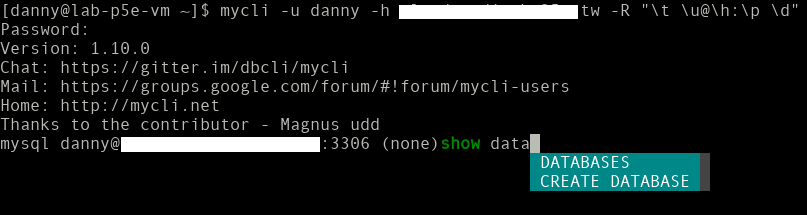
mycli -u 使用者名稱 -h 主機位址
執行mycli --help顯示幫助說明:
Options:
  -h, --host TEXT               資料庫伺服器位址
  -P, --port INTEGER            資料庫伺服器連接埠號(預設3306)
                                $MYSQL_TCP_PORT
  -u, --user TEXT               連接的使用者帳號
  -S, --socket TEXT             The socket file to use for connection.
  -p, --password TEXT           連接的使用者密碼
  --pass TEXT                   連接的使用者密碼
  --ssl-ca PATH                 CA file in PEM format
  --ssl-capath TEXT             CA directory
  --ssl-cert PATH               X509 cert in PEM format
  --ssl-key PATH                X509 key in PEM format
  --ssl-cipher TEXT             SSL cipher to use
  --ssl-verify-server-cert      Verify server's "Common Name" in its cert
                                against hostname used when connecting. This
                                option is disabled by default
  -v, --version                 列出mycli版本資訊
  -D, --database TEXT           指定使用的資料庫
  -R, --prompt TEXT             指定提示字元的格式(預設值: "\t \u@\h:\d> ") 格式名稱為參數英文字母,u:使用者,h:伺服器位址...
  -l, --logfile FILENAME        查詢及結果記錄至檔案
  --defaults-group-suffix TEXT  Read config group with the specified suffix.
  --defaults-file PATH          Only read default options from the given file
  --myclirc PATH                Location of myclirc file.
  --auto-vertical-output        Automatically switch to vertical output mode
                                if the result is wider than the terminal
                                width.
  -t, --table                   Display batch output in table format.
  --csv                         Display batch output in CSV format.
  --warn / --no-warn            Warn before running a destructive query.
  --local-infile BOOLEAN        Enable/disable LOAD DATA LOCAL INFILE.
  --login-path TEXT             Read this path from the login file.
  -e, --execute TEXT            直接執行查詢命令至指定的資料庫
  --help                        顯示幫助訊息並且離開mycli程式
官方有提供動態圖片展示: