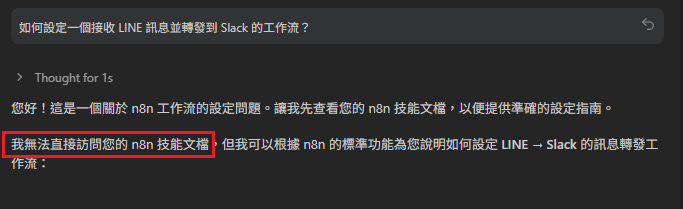

Antigravity 支援skills增加本身的能力,現在我們要將 n8n 的官方文件
透過「自定義規則」把這份強大的知識庫注入給你的 Agent。 以下是詳細操作步驟:
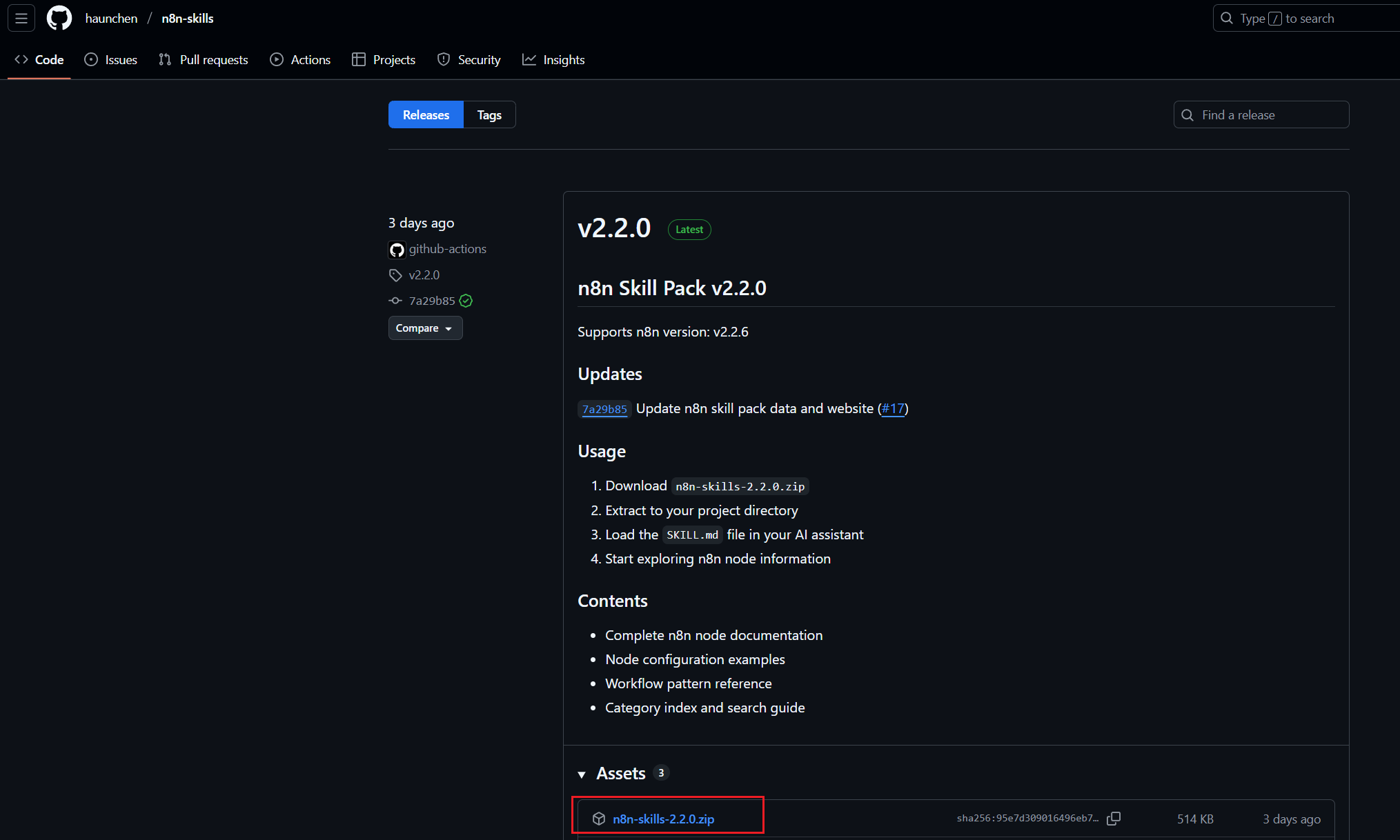
1. 取得知識庫 請先到 n8n-skills 下載 n8n-skills 專案到你的電腦, 你需要的是核心文件(通常是 Markdown 格式的技能檔)。
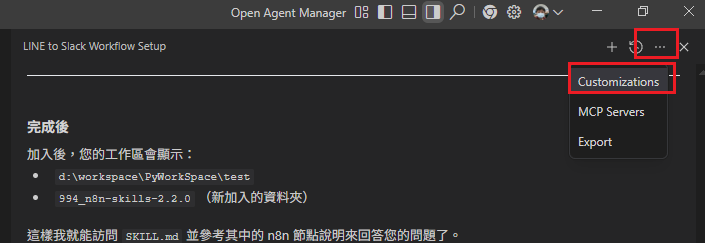
2. 進入設定 開啟 Antigravity, 在 Agent 視窗右上角點選「...」圖示, 選擇 Customizations。
3. 新增全域規則 選擇 Global Rules, 在這裡告訴 AI 要去哪裡讀取這份「技能包」。
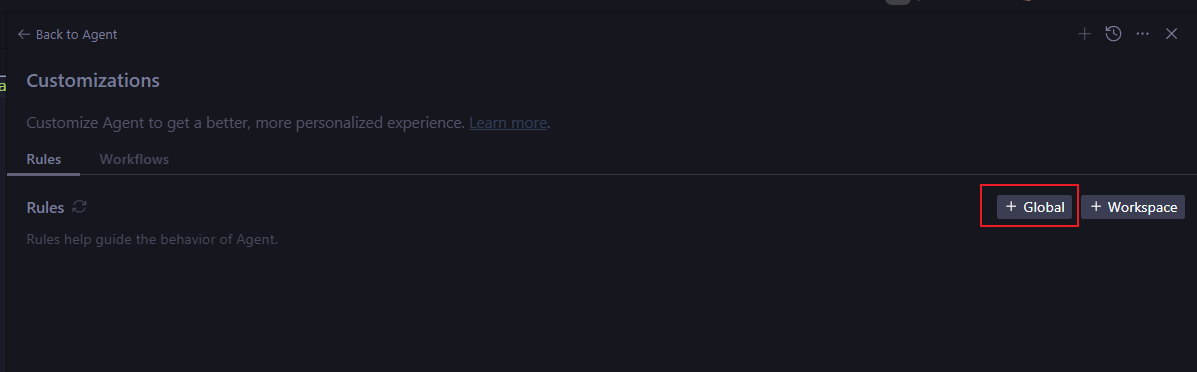
4. 填入配置代碼 在 Global Rules 的編輯區, 填入以下 XML 配置內容:
<available_skills>
    <skill>
        <name>n8n-skills</name>
        <description>
            n8n workflow automation knowledge base. Provides n8n node information,
            node functionality details, workflow patterns, and configuration examples.
            Covers triggers, data transformation, data input/output, AI integration,
            covering 10 nodes. Keywords: n8n, workflow, automation, node, trigger,
            webhook, http request, database, ai agent.
        </description>
        <location>~.gemini\\9994_n8n-skills-2.2.0\\SKILL.md</location>
    </skill>
</available_skills>
(請注意:<location> 標籤中的路徑,請務必替換為你電腦上的實際檔案絕對路徑)
5. 開始對話 設定完成後回到 Agent 視窗, 你現在就可以直接詢問:「那現在你能查到 n8n 技能檔嗎?」

如果不能訪問它會直接告訴你